MySQL Workbench Release Notes
Use forward engineering to export your schema design to a MySQL server.
Select the model that you wish to forward engineer and then choose the , menu item from the main menu.
The first step of the process is to connect to a MySQL server to create the new database schema. As the following figure shows, this page enables you to use a previously stored connection or to enter the connection parameters.
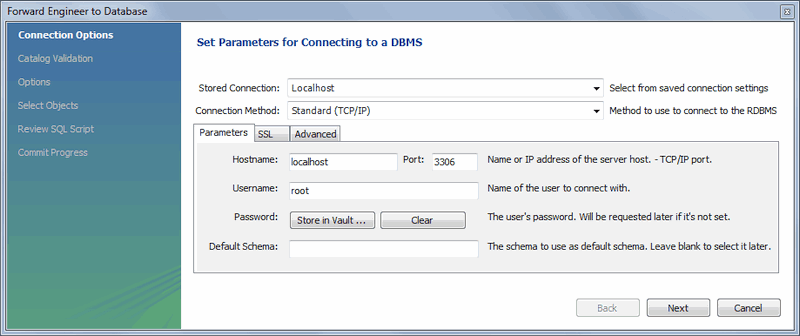
Click after setting the connection parameters. The next page of the wizard displays Catalog Validation, as the following figure shows. Validation is available only in the Commercial Edition.
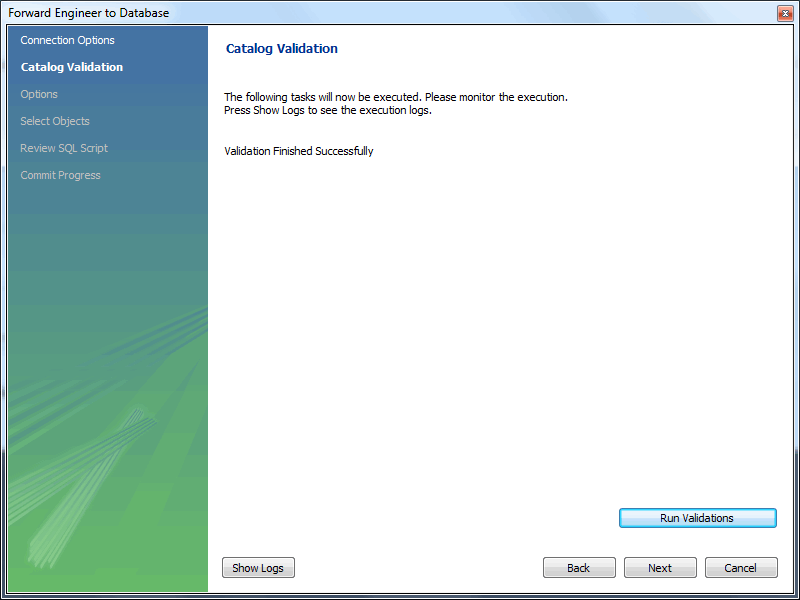
Click to validate the catalog.
Click to continue.
The next page enables you to set options for the database to be created (see the following figure). These options are as described in Section 9.4.1.1.1, “Creating a Schema”.
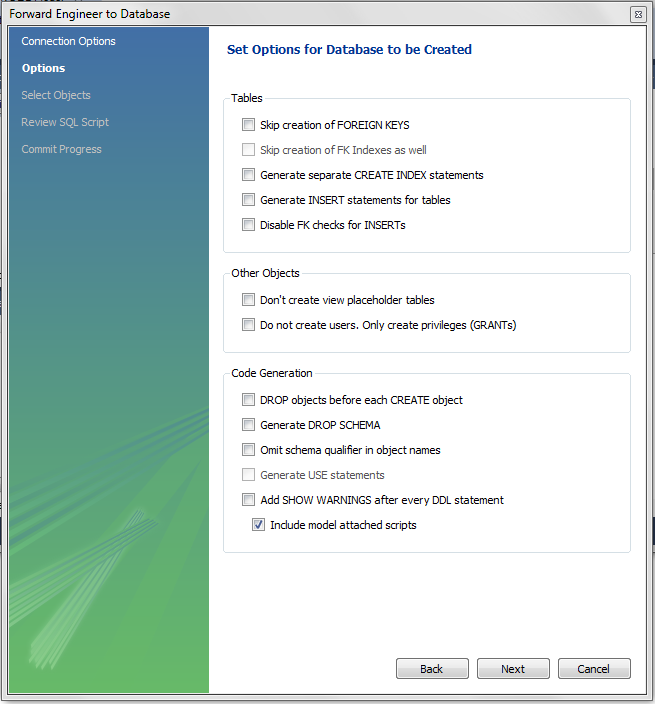
Select the required options and then click .
As the following figure shows, the Select Objects page enables you to select the objects to forward engineer: Table objects, view objects, routine objects, trigger objects, and user objects.
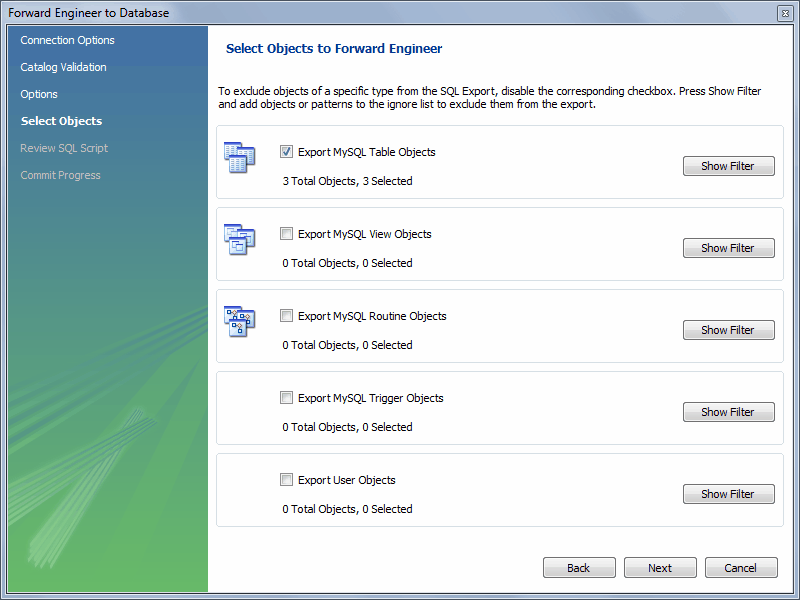
To select a subset of objects to forward engineer, use the / button, then select specific objects. After you have selected your objects, click to continue.
On the Review Script page you may review and edit the SQL script that will be executed.
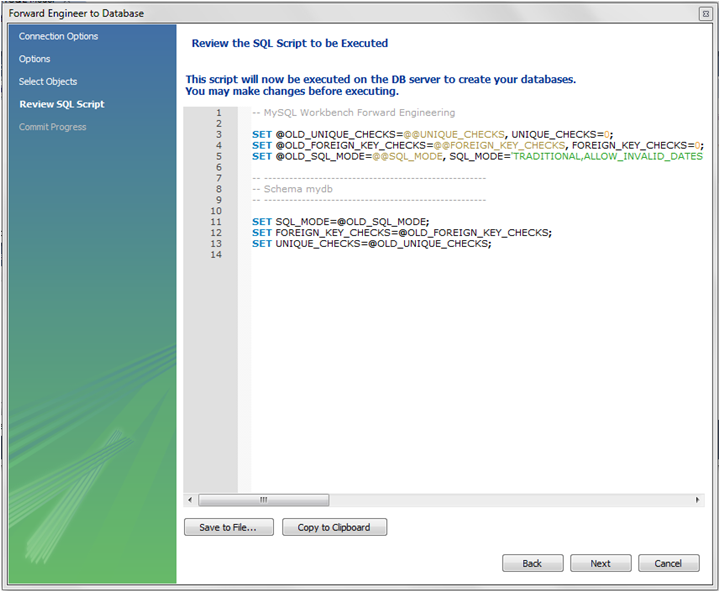
Click to continue if you are satisfied with the generated script.
The next page of the wizard displays the results of the forward engineering process.
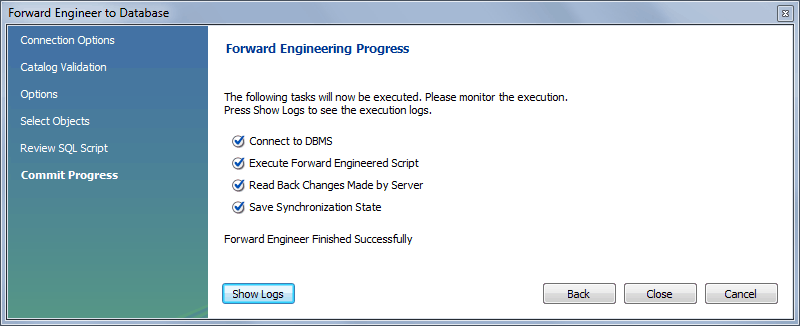
You can confirm that the script created the schema by connecting
to the target MySQL server and issuing a SHOW
DATABASES statement.