MySQL Workbench Release Notes
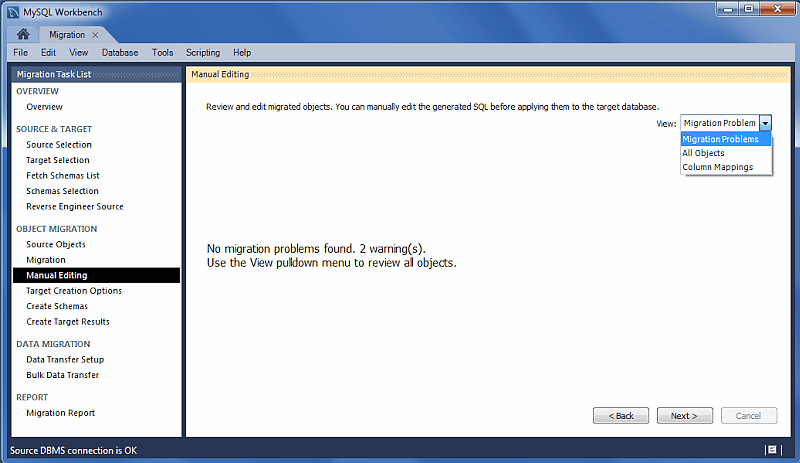
Use the View select box to choose the section to edit (see the figure that follows). The button is available on every page and it shows the generated MySQL code that corresponds to the selected object.
-
: This either reports problems or displays "No mapping problems found." As the following figure shows, this is an informational screen.
-
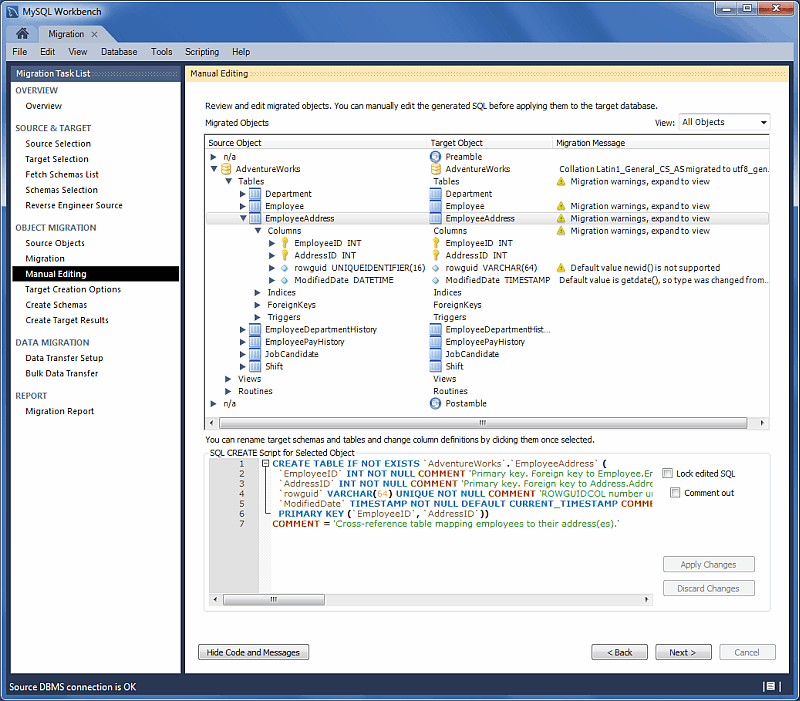
: An object view that allows you to view and edit the object definitions. Double-click on a row to modify a target objects name (see the figure that follows).
-
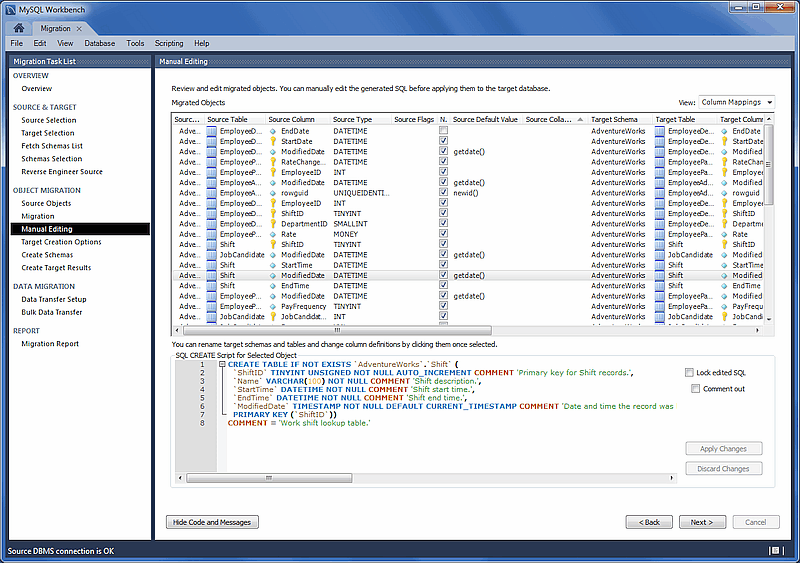
: Shows all of the table column mappings and enables you to individually review and fix the mapping for all column types, default values, and other attributes. The following figure shows an example of the manual editing session.